
Here's what visitors see about you right now.
Your profile on Life Sciences Digital — and the pages for each of your products — were compiled from publicly available materials. We take care to get it right, but nobody knows Nucleics the way you do, and some of what visitors read today may be out of date or wrong. Claiming the profile lets you correct it directly.
Company description
Nucleics is a software company specialising in DNA sequencing tools, primarily focused on improving the quality and output of Sanger sequencing data. The company develops basecalling software and related utilities that process raw sequencing trace files to produce more accurate and higher-yield sequence reads. Nucleics serves DNA sequencing laboratories and facilities that rely on Sanger sequencing workflows.
Core Products
- PeakTrace Basecaller: A Sanger sequencing basecaller that can deliver up to 50% more high-quality bases compared to standard basecalling approaches. Available for Windows and Linux platforms.
- PeakTrace:Box: An onsite hardware and software basecalling system designed to improve Sanger DNA sequencing traces within a laboratory's own infrastructure.
- Auto PeakTrace RP: An online version of the PeakTrace Basecaller that provides full control over basecalling settings, allowing users to configure and run basecalling remotely.
- QualTrace / QualTrace III: Additional DNA software tools offered alongside PeakTrace, available for purchase as units or software licenses.
Licensing and Deployment
- PeakTrace is licensed via a USB key system that contains an independent clock, which must be kept in alignment with the host computer's system time.
- License updates are distributed by email and applied to the USB key through an update file installation process.
- The CodeMeter Runtime is required for running Auto PeakTrace 6, and users upgrading from earlier versions must update this runtime as part of the upgrade process.
- PeakTrace:Box customers have access to dedicated download pages for the latest software updates.
File Format and Technical Capabilities
- PeakTrace processes .ab1 input files, which are the standard trace file format produced by Sanger sequencing instruments.
- Version 6.96 introduced support for generating PHRED .poly file output, where each output file takes the name of the corresponding input .ab1 file and includes a structured header line.
- Auto PeakTrace RP 6.96 added support for additional run conditions and expanded .poly file output support.
Recent Software Releases
- Auto PeakTrace 6.961 and Auto PeakTrace RP 6.961 (June 2023): Minor bug fix releases addressing an issue with the archive function. The bug did not affect command-line versions of PeakTrace.
- Auto PeakTrace 6.96 and PeakTrace 6.96 (May 2023): A major release recommended for all users of version 6.952 or earlier, incorporating improvements, updates, and bug fixes across Windows and Linux builds.
- Auto PeakTrace RP 6.96 (May 2023): A Windows update incorporating a large number of changes and enhancements, including new .poly file output support and expanded run condition support.
Pricing
- PeakTrace, PeakTrace RP, and QualTrace are available for direct purchase through the Nucleics website.
- In June 2023, Nucleics increased prices for these products by 20%, the first price change since 2015, citing a high-inflation environment as the reason for the adjustment.
Nucleics maintains an active support and news blog covering software release notes, upgrade guides, licensing procedures, and operational notices, providing documentation resources for existing users managing PeakTrace deployments.
AI-generated · replace with your own
Every part of your profile.
Your company page and every software page attached to it. Nothing is held back — a premium profile includes all of it.
Accuracy
Your own descriptions
Replace the AI-generated summary with your own words — for your company and for every product you list.
Discovery
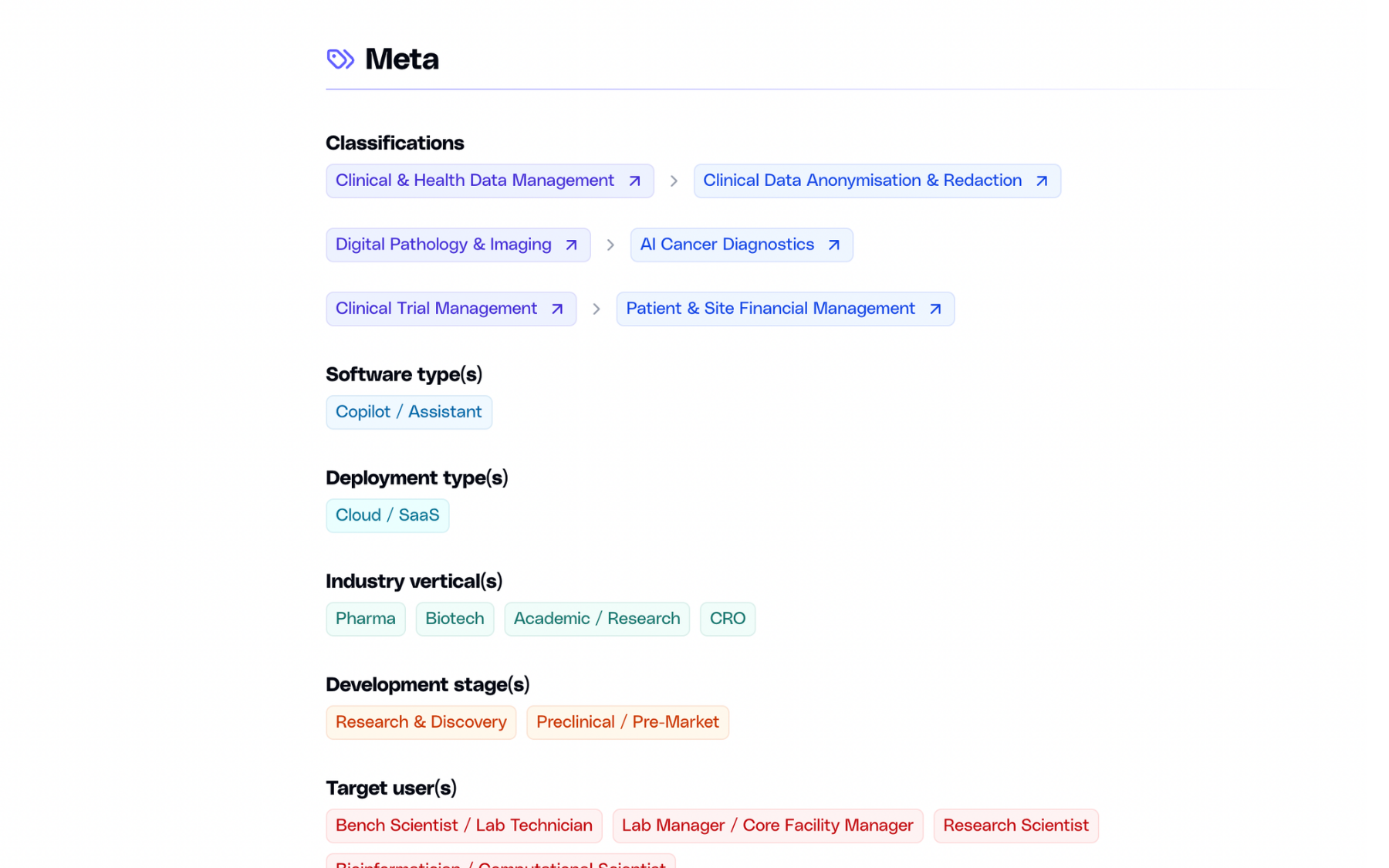
Classification & search
List your software under up to three domains and subdomains, and appear in search as a company, not only as a product.
Evidence
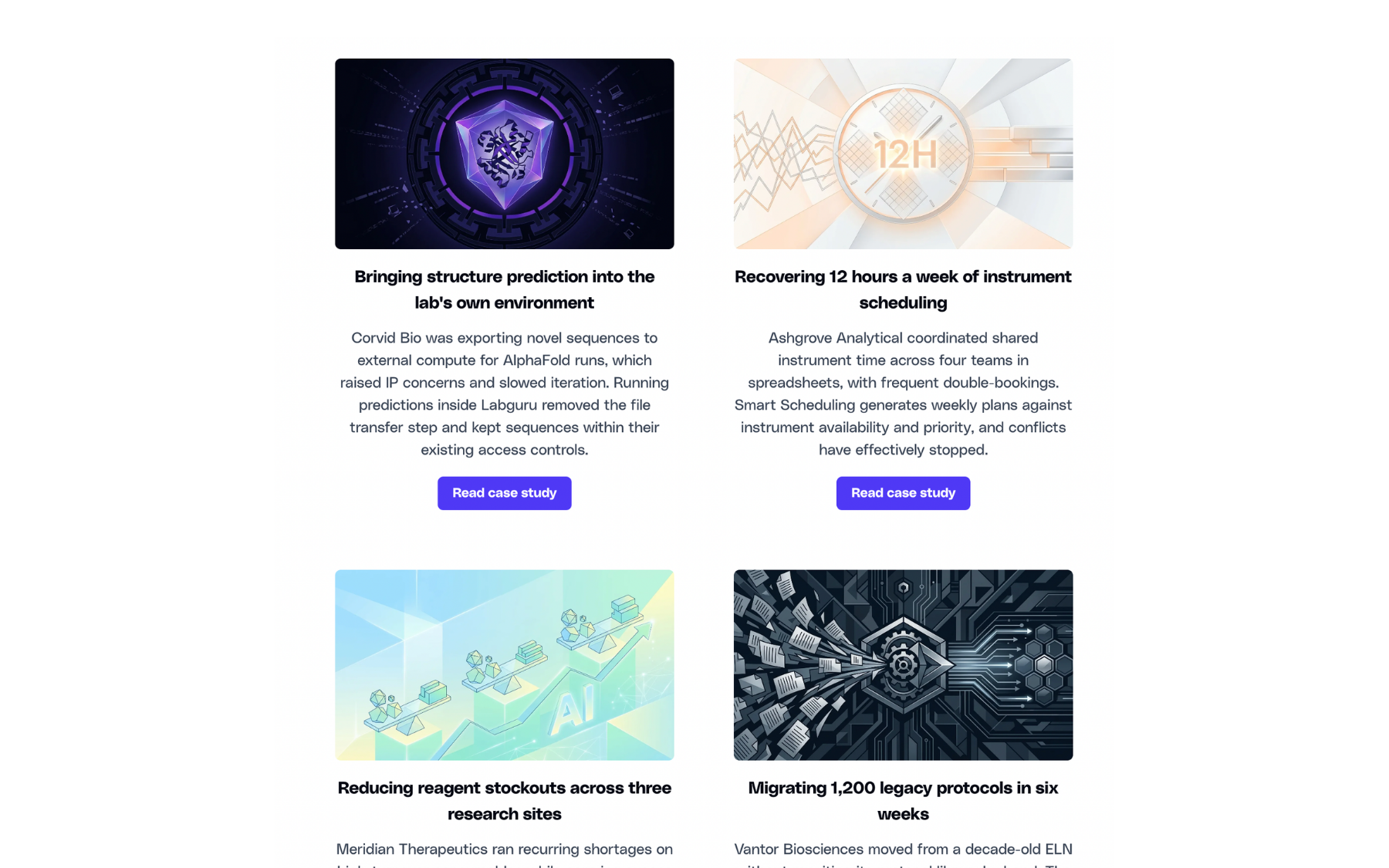
Case studies
Published outcomes with images and links to the full write-up. Add as many as you need, edit them anytime.
Product
Image gallery
Screenshots of the actual interface, in a gallery visitors can open full-size.

Next step
Call-to-action
A dedicated block that sends visitors where you want them — a demo, a trial, or a contact form.
And more:
Basic listing vs premium profile
There are no tiers. Everything below is included with a premium profile, across your company page and every software page attached to it.
Basic
Premium
Basic
Premium
Basic
Premium
Basic
Premium
Basic
Premium
Basic
Premium
Basic
Premium
Basic
Premium
Basic
Premium
Basic
Premium
Basic
Premium
Basic
Premium
Basic
Premium
Basic
Premium
Basic
Premium
Basic
Premium
Three steps away.
01
You reach out
Fill in the form below with a few details about your company.
02
We talk
A short call or an email thread, whichever you prefer. We answer your questions and agree on the details.
03
You get access
We set up your login. From there you can edit everything and publish when you are ready.
Ready to claim the Nucleics profile?
Send a short note and we will get back to you.