
Here's what visitors see about you right now.
Your profile on Life Sciences Digital — and the pages for each of your products — were compiled from publicly available materials. We take care to get it right, but nobody knows QBench the way you do, and some of what visitors read today may be out of date or wrong. Claiming the profile lets you correct it directly.
Company description
QBench is a cloud-based Laboratory Information Management System (LIMS) designed to help laboratories automate workflows, track samples and orders, manage quality, and maintain compliance. The platform is positioned as a modern alternative to legacy LIMS products, built from the ground up using current engineering and interface design practices. QBench serves a broad range of laboratory types, from Fortune 100 companies to small businesses, and has been in operation for eight years. The company was founded by lab owners and employs former lab scientists to ensure its software reflects real laboratory needs.
QBench describes its platform as a "Lab Operating System" — an integrated suite that goes beyond traditional LIMS functionality to cover quality management, inventory management, customer-facing portals, billing, reporting, and analytics within a single system. It is rated the number one LIMS on G2's highest-rated and easiest-to-use lists, and has received G2 badges including Momentum Leader, Leader, Highest User Adoption, High Performer, Best Relationship, Best Results, Best Usability, and Easiest to do Business With.
Core LIMS Capabilities
- Workflow Tracking and Automation: Tracks orders, samples, and tests throughout the lab workflow. Users can view the status of any order, sample, or test and identify what is pending. No-code automations can be configured to eliminate manual steps and reduce sample turnaround times.
- Sample Tracking and Custom Fields: Tracks samples and their status across the lab. Supports basic metadata, location information, and assay data, with the ability to add fields specific to each lab's requirements.
- Automated Reporting: Supports multiple report templates with the ability to automatically generate, approve, and release large batches of reports and Certificates of Analysis (COAs). A no-code report template editor allows users to update templates without developer involvement.
- Custom Fields and Data Types: Users can add, remove, and rearrange fields for each data type, and assign custom IDs to orders, samples, sources, projects, or invoices.
Configuration and Flexibility
- Admin Configurability: Workflow and field names can be changed to match an organization's naming conventions. Role-based access controls allow administrators to define roles and limit user access accordingly. Any core data type can be tagged to create a flexible organizational structure.
- No-Code Tools: Configuration and automation tools are designed to be used without writing custom code, reducing implementation time and ongoing maintenance costs compared to heavily customized legacy systems.
- Modern REST API: An open REST API is available for building custom automations and deep integrations with other systems used in the lab.
- Fast Implementation: QBench emphasizes that its configurable approach avoids the lengthy, expensive custom implementations associated with traditional LIMS products, allowing labs to go live more quickly.
Integrated Modules
- Quality Management System (QMS): Included as part of the integrated lab operating system.
- Inventory Management: Tracks laboratory inventory within the same platform.
- Customer Portal: Provides a customer-facing interface as part of the integrated suite.
- Billing: Billing functionality is built into the platform, with integrations available to external accounting systems.
- Analytics and Reporting: Built-in analytics tools complement the reporting module.
Compliance
- QBench is described as ISO 17025 compatible.
- The platform is HIPAA compliant.
- It supports 21 CFR Part 11 requirements.
- It supports CLIA certification requirements.
Integrations
- NetSuite: Bidirectional data sync for accounting and ERP workflows.
- QuickBooks: Invoice sync to QuickBooks Online via a direct connection.
- Microsoft Dynamics 365: Data sync for accounting and broader business operations.
- Salesforce: Bidirectional data sync with the Salesforce CRM platform.
- HubSpot: Sync of LIMS data to HubSpot for consolidated customer communication tracking.
- Tableau: Integration with Tableau for visual analytics and business intelligence.
Company Background and Customers
- QBench has been in business for eight years and serves thousands of active users across a range of laboratory industries worldwide.
- The company was started by lab owners and managers, and its team includes former lab scientists and former QBench customers who joined the company.
- Customers include Akoya Biosciences and Light Labs, among others.
- QBench accepts customer feature requests, allows users to vote on them, and tracks those requests as part of its product development process.
QBench is available as a cloud-based platform and offers a REST API for custom integrations. The company provides implementation support and ongoing customer service, with customers noting fast onboarding and the ability to scale the system as laboratory processes grow more complex.
AI-generated · replace with your own
Every part of your profile.
Your company page and every software page attached to it. Nothing is held back — a premium profile includes all of it.
Accuracy
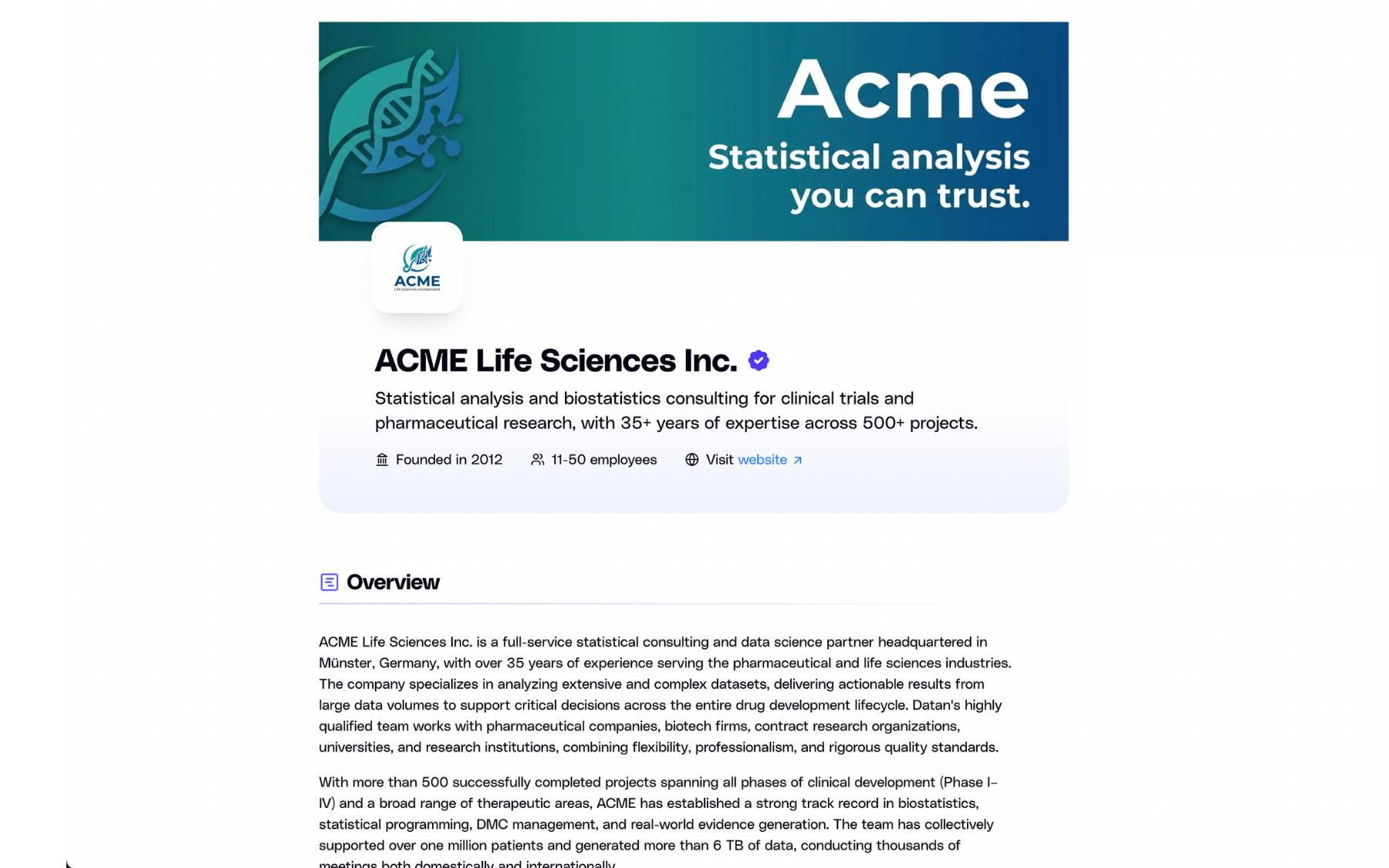
Your own descriptions
Replace the AI-generated summary with your own words — for your company and for every product you list.
Discovery
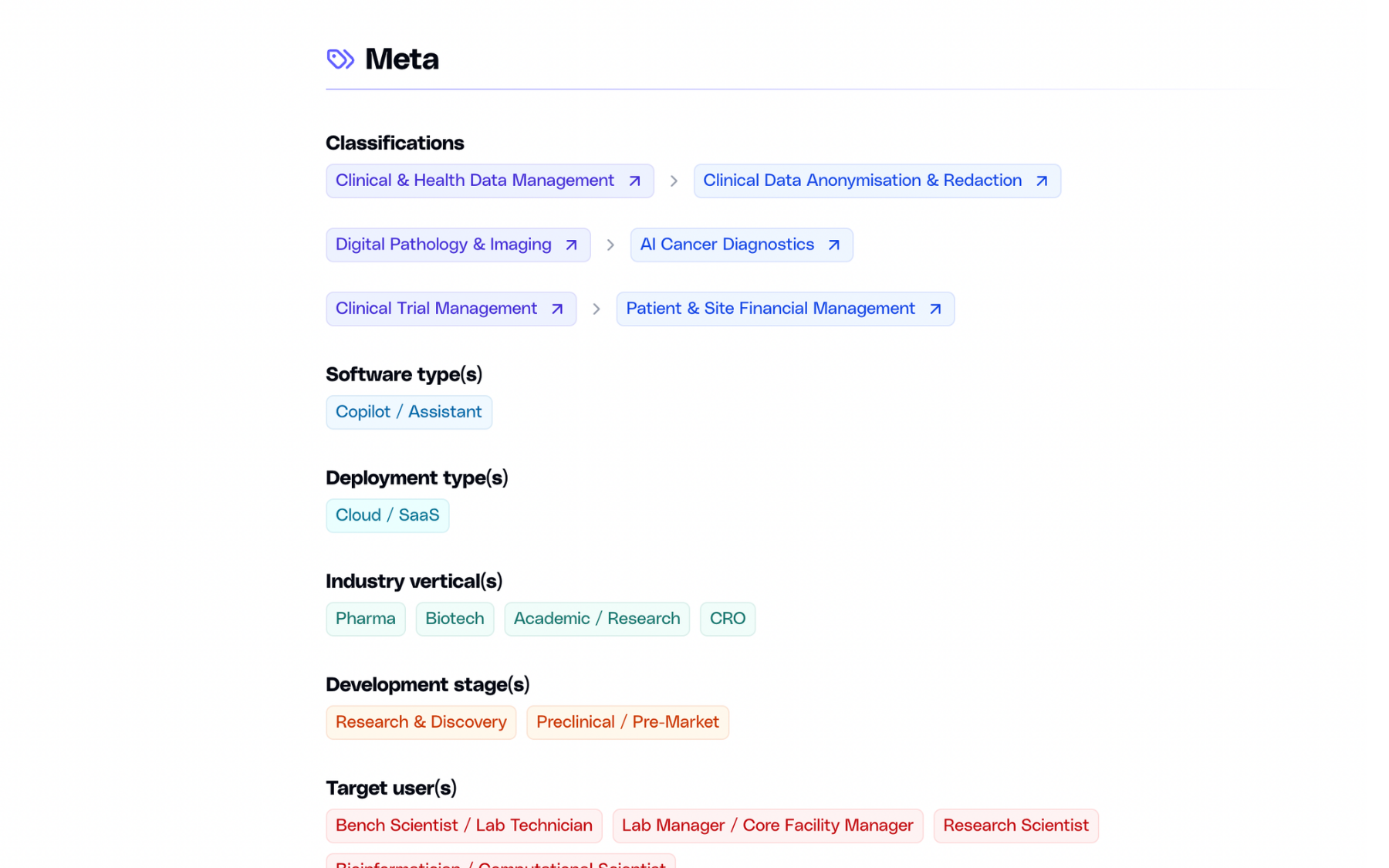
Classification & search
List your software under up to three domains and subdomains, and appear in search as a company, not only as a product.
Evidence
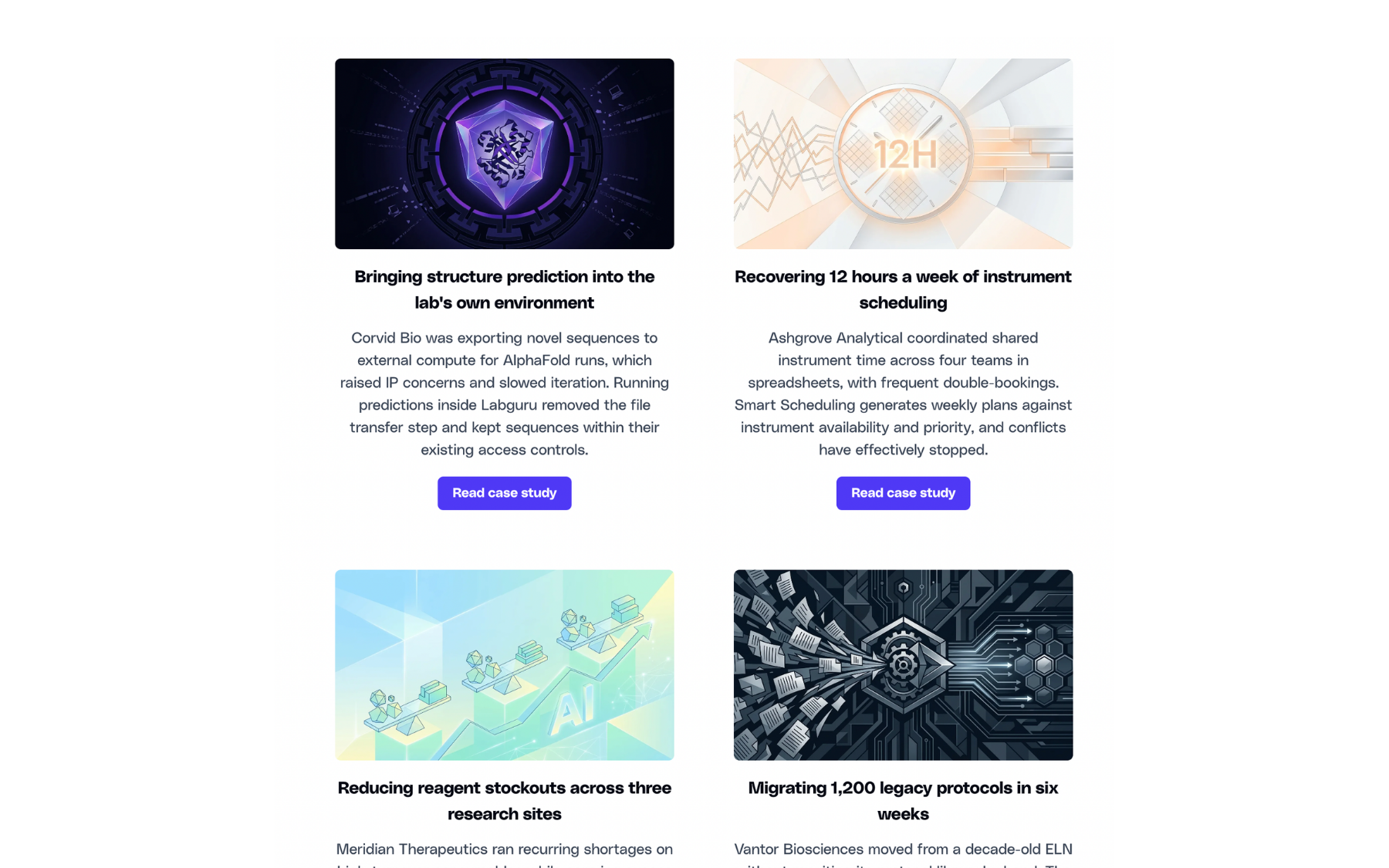
Case studies
Published outcomes with images and links to the full write-up. Add as many as you need, edit them anytime.
Product
Image gallery
Screenshots of the actual interface, in a gallery visitors can open full-size.

Next step
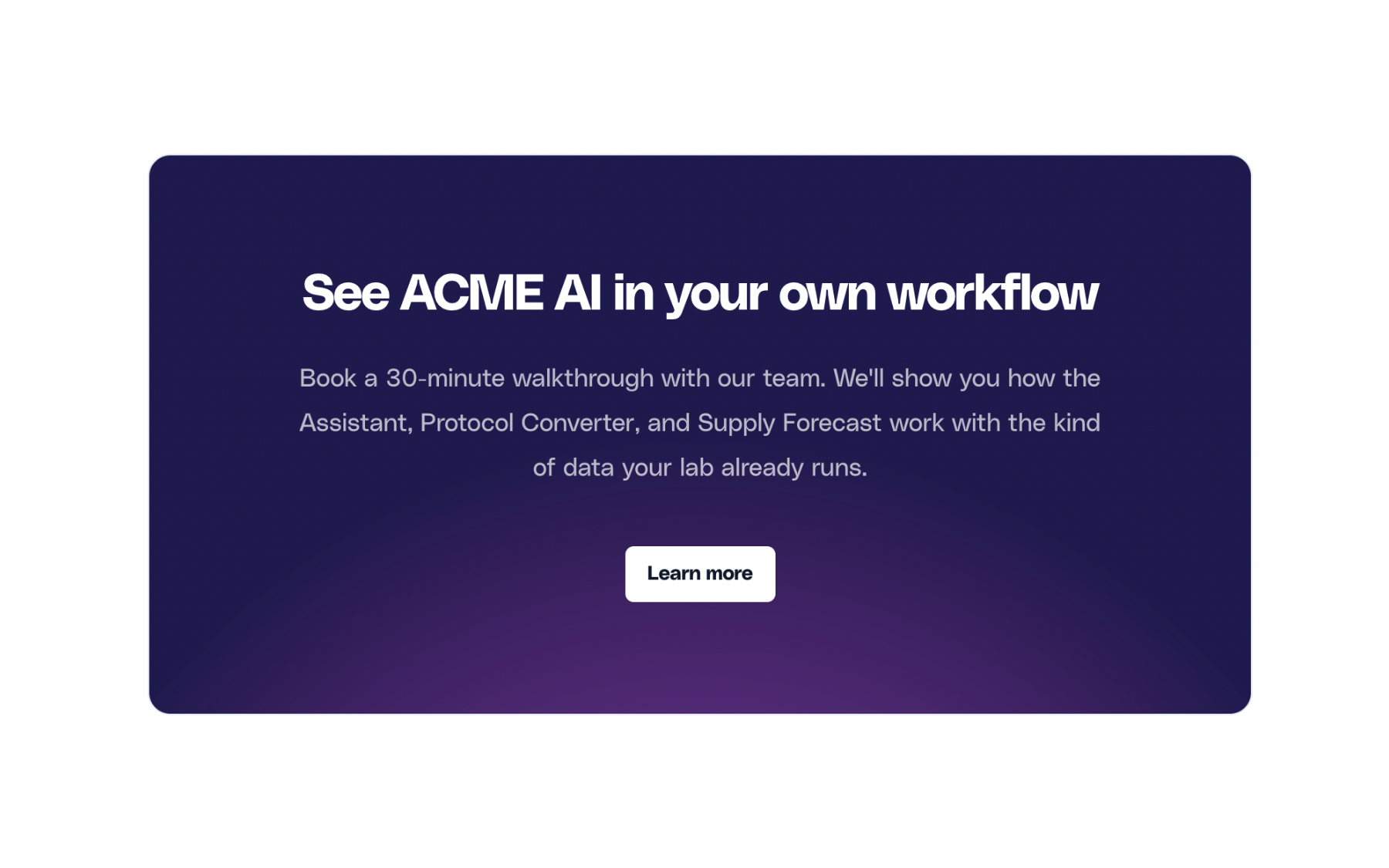
Call-to-action
A dedicated block that sends visitors where you want them — a demo, a trial, or a contact form.
And more:
Basic listing vs premium profile
There are no tiers. Everything below is included with a premium profile, across your company page and every software page attached to it.
Basic
Premium
Basic
Premium
Basic
Premium
Basic
Premium
Basic
Premium
Basic
Premium
Basic
Premium
Basic
Premium
Basic
Premium
Basic
Premium
Basic
Premium
Basic
Premium
Basic
Premium
Basic
Premium
Basic
Premium
Basic
Premium
Three steps away.
01
You reach out
Fill in the form below with a few details about your company.
02
We talk
A short call or an email thread, whichever you prefer. We answer your questions and agree on the details.
03
You get access
We set up your login. From there you can edit everything and publish when you are ready.
Ready to claim the QBench profile?
Send a short note and we will get back to you.