
Here's what visitors see about you right now.
Your profile on Life Sciences Digital — and the pages for each of your products — were compiled from publicly available materials. We take care to get it right, but nobody knows Net-Base the way you do, and some of what visitors read today may be out of date or wrong. Claiming the profile lets you correct it directly.
Company description
netScope is a German software company that develops the netScope® Viewer, a whole slide imaging (WSI) viewer application for microscopy slides. The software is designed for use in digital pathology contexts including histopathology, veterinary pathology, and fish pathology, and is available as a desktop application for Microsoft Windows as well as a browser-based cloud version. The product was originally developed in response to requests from ZEISS Axio Scan users and continues to be shaped by ongoing customer input.
The core philosophy behind netScope® is to open microscopic files directly with all channels, without requiring prior conversion. The software handles image pyramid (downsampling) formats common across different scanner manufacturers and supports a wide range of proprietary and open file formats used in spatial biology and highly multiplexed microscopy.
Supported File Formats
- CZI – originally developed and optimised for ZEISS Axio Scan data; all CZI variants are supported
- MRXS – ZEISS/Mirax legacy format
- QPTIFF – Perkin-Elmer Vectra / Akoya Biosciences, with full channel support
- DICOM – standard medical imaging format
- Big-TIFF / Philips TIFF – large tile-based TIFF slides
- NDPI – Hamamatsu NanoZoomer format
- SVS / AFI – Aperio formats
- SCN – Leica format
- BIF – Roche Ventana format
- SVSLIDE – Sakura Virtual Slide format
- VMS / VMU – NanoZoomer formats
- IBL – provisionally implemented; additional sample data required
Viewer Capabilities and Tools
- Fluorescence histogram tools and histogram modification
- T-Stack and Z-Stack viewing functions
- Flexible zoom functionality
- Slide rotation without loading delays
- Annotation and measurement tools
- Coupling of multiple slides for simultaneous viewing and editing
- Management of display settings
Slide Management Features
- Folder-based slide navigation similar to Windows Explorer
- Zoomable thumbnail previews
- Toggle between list view and thumbnail view
- Quick search and filtering of slides
- Rating and categorisation of slides
Export Functionality
- High-quality image export in multiple formats
- Export triggerable via keyboard shortcut
- Save and export of all viewer settings
- User-defined resolution output
- Selective inclusion or exclusion of viewer tools in exports
- Snapshot function for extracting specific image regions
- Dedicated fluorescence export option
Deployment and Sharing Options
- Desktop application for Microsoft Windows (single-user and multi-user licensing)
- netScope® Server – self-hosted option allowing organisations to keep data within their own infrastructure
- netScope® Cloud – browser-based web viewer hosted by Net-Base, which has over 35 years of hosting experience
- Both options support sharing of whole slide imaging data with colleagues or externally
Licensing Options (Windows Desktop)
- netScope® Viewer Student – free single-user licence available with proof of enrolment
- netScope® Viewer Pro (single seat) – €349 for the first year (including VAT), €99 per subsequent year
- netScope® Viewer Pro (10-seat pack) – €2,999 for the first year (including VAT), €899 per subsequent year
- All paid licences include one year of updates and support; payment via SEPA direct debit, with PayPal and Visa available on request
netScope® serves customers across research and clinical settings working with spatial biology and digital pathology data, and supports scanner formats from manufacturers including ZEISS, Mirax, Aperio, Akoya Biosciences, Leica, Roche, Philips, Perkin-Elmer, Hamamatsu, Sakura, and NanoZoomer.
AI-generated · replace with your own
Every part of your profile.
Your company page and every software page attached to it. Nothing is held back — a premium profile includes all of it.
Accuracy
Your own descriptions
Replace the AI-generated summary with your own words — for your company and for every product you list.

Discovery
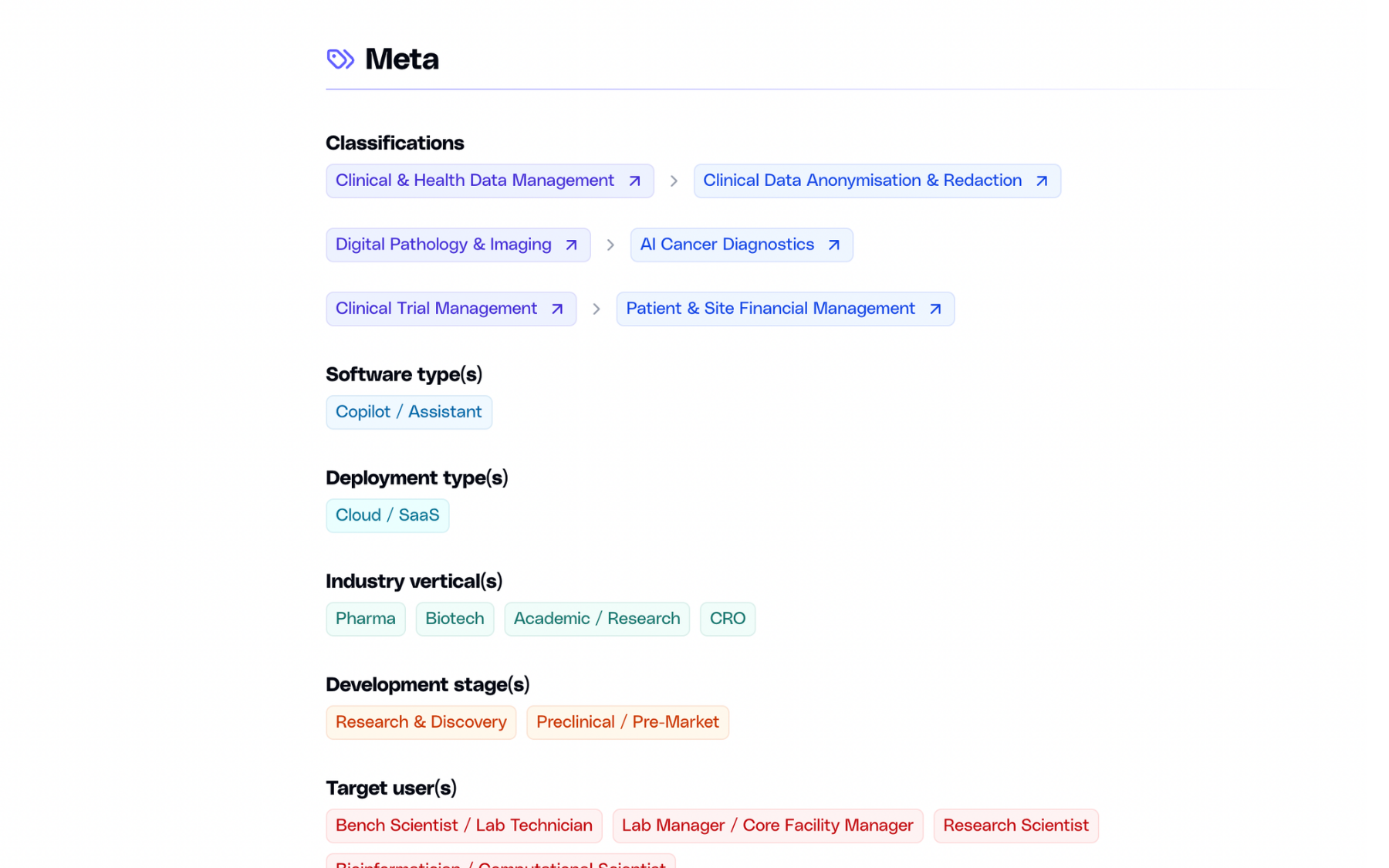
Classification & search
List your software under up to three domains and subdomains, and appear in search as a company, not only as a product.
Evidence
Case studies
Published outcomes with images and links to the full write-up. Add as many as you need, edit them anytime.

Product
Image gallery
Screenshots of the actual interface, in a gallery visitors can open full-size.

Next step
Call-to-action
A dedicated block that sends visitors where you want them — a demo, a trial, or a contact form.
And more:
Basic listing vs premium profile
There are no tiers. Everything below is included with a premium profile, across your company page and every software page attached to it.
Basic
Premium
Basic
Premium
Basic
Premium
Basic
Premium
Basic
Premium
Basic
Premium
Basic
Premium
Basic
Premium
Basic
Premium
Basic
Premium
Basic
Premium
Basic
Premium
Basic
Premium
Basic
Premium
Basic
Premium
Basic
Premium
Three steps away.
01
You reach out
Fill in the form below with a few details about your company.
02
We talk
A short call or an email thread, whichever you prefer. We answer your questions and agree on the details.
03
You get access
We set up your login. From there you can edit everything and publish when you are ready.
Ready to claim the Net-Base profile?
Send a short note and we will get back to you.