Here's what visitors see about you right now.
Your profile on Life Sciences Digital — and the pages for each of your products — were compiled from publicly available materials. We take care to get it right, but nobody knows Glencoe Software, Inc. the way you do, and some of what visitors read today may be out of date or wrong. Claiming the profile lets you correct it directly.
Company description
Glencoe Software is an enterprise image database technology company specializing in bioimaging data solutions for life sciences organizations. The company serves customers in high-content screening, digital pathology, and microscopy, providing safe, secure, and fast access to large image datasets for researchers, colleagues, and discovery teams.
Built on constantly evolving open source technology, Glencoe Software's products enable users to view, share, annotate, analyze, and manage large image files within a single software interface. All products are backed by dedicated customer service and support, and the company is trusted by leaders across the life sciences industry.
Core Products
- OMERO Plus: An enterprise image database platform that allows users to view, share, analyze, mine, and manage image data. OMERO Plus is designed for everyday image data management and serves as the backbone for both high-content screening and digital pathology workflows.
- PathViewer: An interactive visualization, analysis, and annotation tool specifically tailored for the digital pathology workflow. PathViewer works in conjunction with the OMERO Plus enterprise image database and is actively developed, with version 3.15.0 recently released featuring new capabilities.
- Glencoe's Bio-Formats: A licensed scientific image translation library and the most comprehensive solution of its kind, supporting over 160 image file formats from various imaging domains. Bio-Formats enables broad compatibility across diverse imaging instruments and data sources.
- NGFF-Converter: An easy-to-use application that packages Bio-Formats to generate the cloud-optimized data format OME-NGFF. This tool makes working with bioimaging data in the cloud easier, faster, and more cost effective.
Key Solutions and Application Areas
- High-Content Screening (HCS): Glencoe Software provides dedicated solutions for high-content screening workflows, enabling organizations to manage and analyze large volumes of imaging data generated in screening campaigns.
- Digital Pathology: The combination of OMERO Plus and PathViewer delivers a purpose-built solution for digital pathology, supporting regulatory success and transforming pathology workflows as highlighted in the company's published thought leadership.
- Cloud-Optimized Bioimaging: Through NGFF-Converter and the OME-NGFF format, Glencoe Software supports modern cloud-based data management strategies for bioimaging data.
Notable Capabilities and Details
- Support for over 160 scientific image file formats via the Bio-Formats library, spanning multiple imaging domains.
- Enterprise-grade image database technology customizable to organizational needs.
- Active product development with regular releases, including recent updates to PathViewer.
- Published expertise in transforming pathology workflows for regulatory success using OMERO Plus and PathViewer.
- Commitment to open source technology as the foundation for all enterprise products.
- Executive transition announced alongside a continued commitment to innovation in bioimaging data solutions.
Glencoe Software works closely with life sciences organizations to customize enterprise image database solutions, offering demos, consultations, and ongoing support to help teams unlock the full value of their imaging data.
AI-generated · replace with your own
Every part of your profile.
Your company page and every software page attached to it. Nothing is held back — a premium profile includes all of it.
Accuracy
Your own descriptions
Replace the AI-generated summary with your own words — for your company and for every product you list.

Discovery
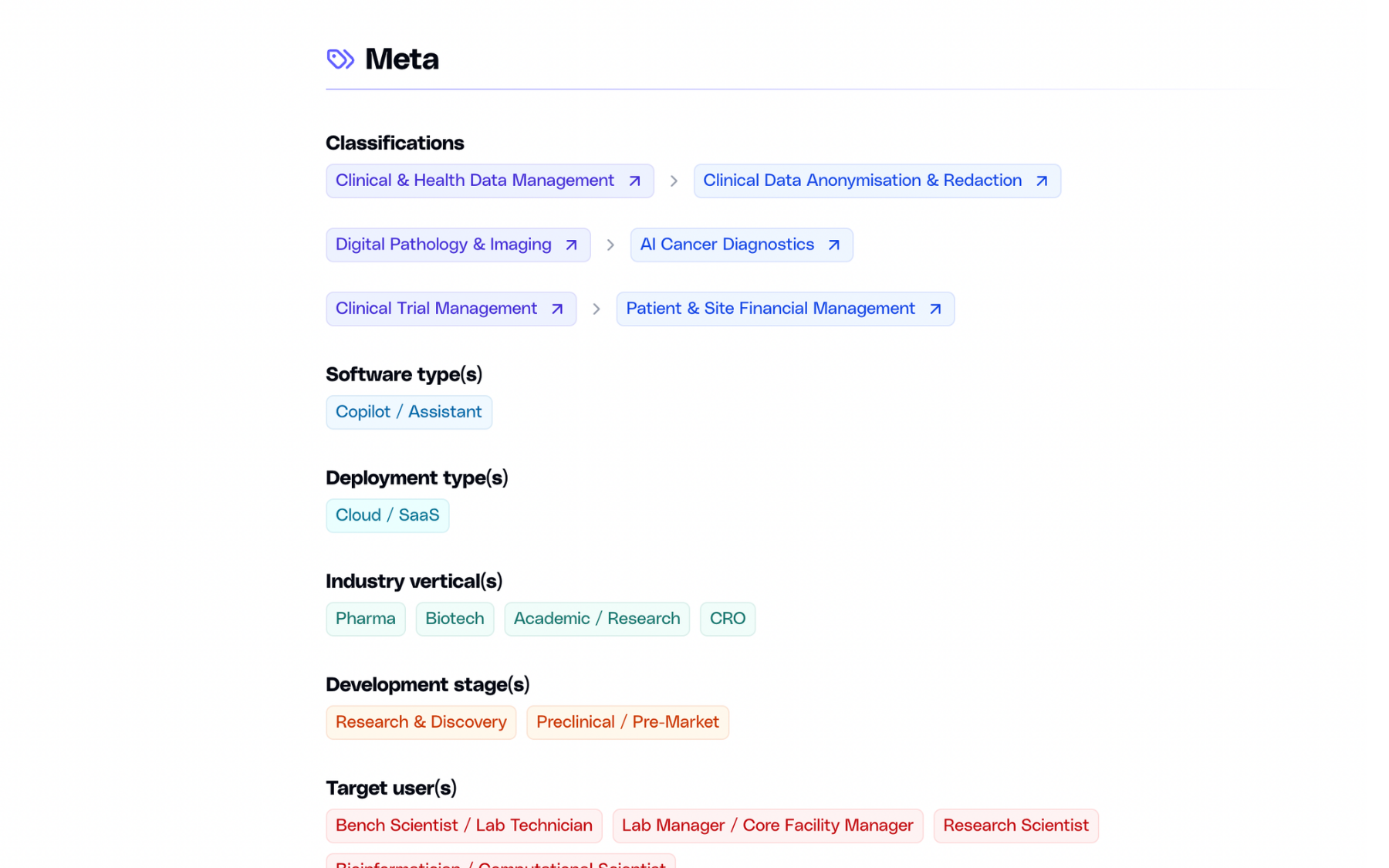
Classification & search
List your software under up to three domains and subdomains, and appear in search as a company, not only as a product.
Evidence
Case studies
Published outcomes with images and links to the full write-up. Add as many as you need, edit them anytime.

Product
Image gallery
Screenshots of the actual interface, in a gallery visitors can open full-size.

Next step
Call-to-action
A dedicated block that sends visitors where you want them — a demo, a trial, or a contact form.
And more:
Basic listing vs premium profile
There are no tiers. Everything below is included with a premium profile, across your company page and every software page attached to it.
Basic
Premium
Basic
Premium
Basic
Premium
Basic
Premium
Basic
Premium
Basic
Premium
Basic
Premium
Basic
Premium
Basic
Premium
Basic
Premium
Basic
Premium
Basic
Premium
Basic
Premium
Basic
Premium
Basic
Premium
Basic
Premium
Three steps away.
01
You reach out
Fill in the form below with a few details about your company.
02
We talk
A short call or an email thread, whichever you prefer. We answer your questions and agree on the details.
03
You get access
We set up your login. From there you can edit everything and publish when you are ready.
Ready to claim the Glencoe Software, Inc. profile?
Send a short note and we will get back to you.