
Here's what visitors see about you right now.
Your profile on Life Sciences Digital — and the pages for each of your products — were compiled from publicly available materials. We take care to get it right, but nobody knows SnapGene the way you do, and some of what visitors read today may be out of date or wrong. Claiming the profile lets you correct it directly.
Company description
SnapGene is a molecular biology software platform designed to help researchers plan, visualize, simulate, and document DNA cloning and PCR workflows. Trusted by scientists at institutions such as Northwestern University, SnapGene provides an intuitive interface that makes complex cloning procedures more accessible, accurate, and efficient for everyday laboratory use.
The platform enables users to design and simulate cloning procedures before performing them at the bench, catching errors early and ensuring the correct constructs are obtained the first time. By automating documentation, SnapGene maintains a complete record of every sequence edit and cloning procedure, making it easy to trace the full history of any final plasmid and share that information with collaborators.
Core Capabilities
- Procedure Design and Simulation: Accurately design and simulate cloning procedures, test complicated projects, and identify potential errors before they occur in the lab.
- Visualization: An intuitive interface provides unparalleled visibility into cloning workflows, simplifying often complex molecular biology tasks and making it easier to understand what is happening at each step.
- Automated Documentation: SnapGene automatically records every sequence edit and cloning procedure, producing a clear and shareable history of how a final plasmid was constructed.
- Sequence Visualization and Annotation: Users can visualize and search DNA sequences, create rich plasmid maps, and annotate features and primers with ease.
- Primer Design: Tools for designing and annotating primers are integrated directly into the cloning workflow.
Key Products and Resources
- SnapGene Software: The fully enabled platform offering complete design, simulation, visualization, annotation, and documentation capabilities for molecular biology workflows.
- SnapGene Viewer: A free version of the software that provides the same rich visualization, annotation, and sharing capabilities as the full SnapGene application, allowing anyone to view data without a paid license.
- SnapGene Academy: An online learning center containing over 50 video tutorials taught by scientific experts, covering key concepts in cloning and helping users advance their skills across multiple molecular biology courses.
- Plasmid File Library: A downloadable collection of over 2,700 annotated plasmid files, including commonly used cloning vectors from all major suppliers.
- Tutorial Videos: Instructional videos covering how to visualize and search DNA sequences, create rich maps, annotate features and primers, and simulate cloning procedures.
- User Guide: A comprehensive knowledge base with step-by-step guides for performing key tasks within the SnapGene platform.
Recent Updates
- SnapGene 8.2: The latest release streamlines access to metadata and contextual information, introducing a new file info table for multiple selections, enhanced tooltips, and a modernized trace view and info panel.
SnapGene is recognized for its ease of adoption, with researchers reporting significant savings in time and resources by simulating cloning strategies in the software before moving to the bench. The platform is available to try for free, with pricing options available for individual and institutional users.
AI-generated · replace with your own
Every part of your profile.
Your company page and every software page attached to it. Nothing is held back — a premium profile includes all of it.
Accuracy
Your own descriptions
Replace the AI-generated summary with your own words — for your company and for every product you list.

Discovery
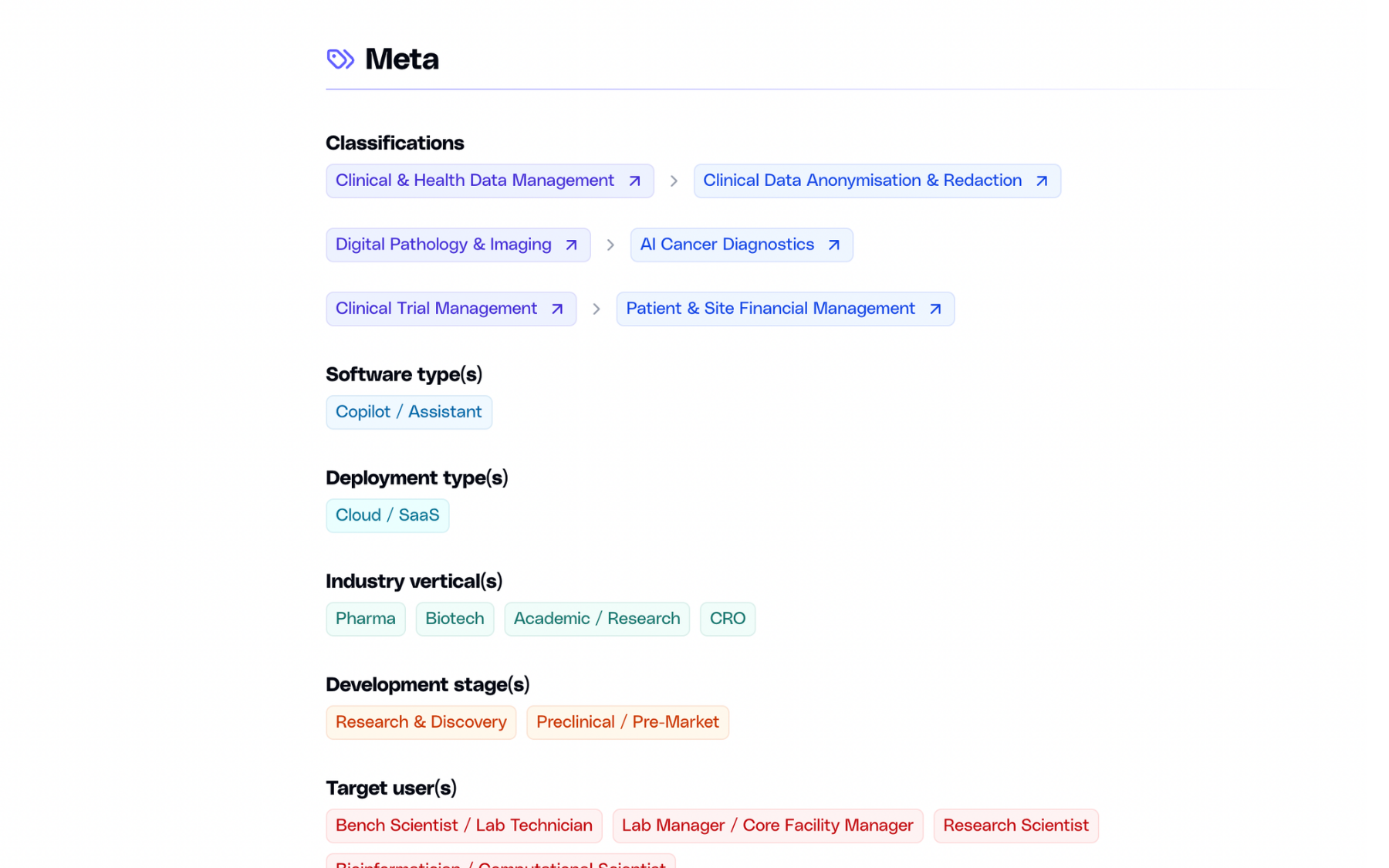
Classification & search
List your software under up to three domains and subdomains, and appear in search as a company, not only as a product.
Evidence
Case studies
Published outcomes with images and links to the full write-up. Add as many as you need, edit them anytime.

Product
Image gallery
Screenshots of the actual interface, in a gallery visitors can open full-size.

Next step
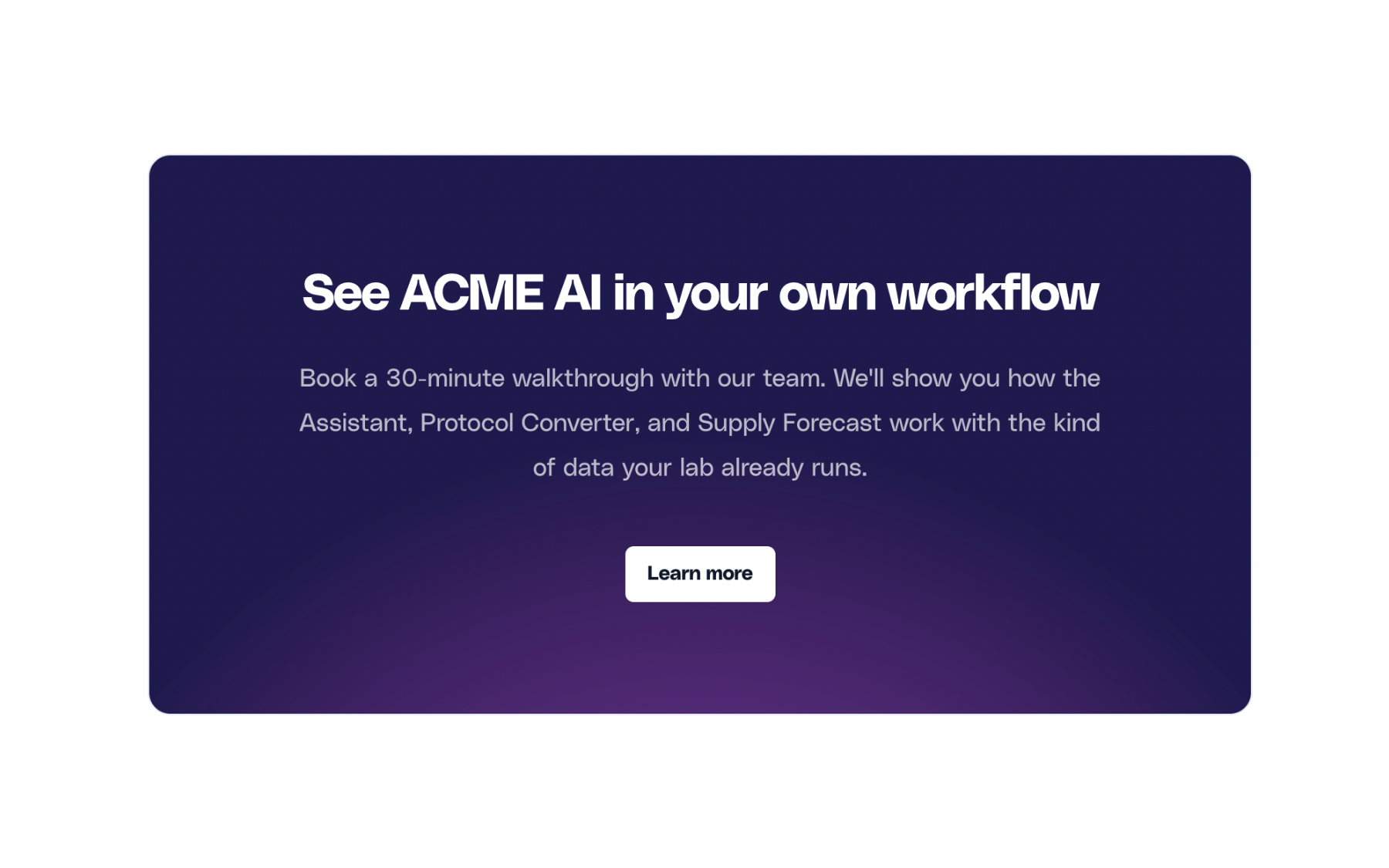
Call-to-action
A dedicated block that sends visitors where you want them — a demo, a trial, or a contact form.
And more:
Basic listing vs premium profile
There are no tiers. Everything below is included with a premium profile, across your company page and every software page attached to it.
Basic
Premium
Basic
Premium
Basic
Premium
Basic
Premium
Basic
Premium
Basic
Premium
Basic
Premium
Basic
Premium
Basic
Premium
Basic
Premium
Basic
Premium
Basic
Premium
Basic
Premium
Basic
Premium
Basic
Premium
Basic
Premium
Three steps away.
01
You reach out
Fill in the form below with a few details about your company.
02
We talk
A short call or an email thread, whichever you prefer. We answer your questions and agree on the details.
03
You get access
We set up your login. From there you can edit everything and publish when you are ready.
Ready to claim the SnapGene profile?
Send a short note and we will get back to you.